
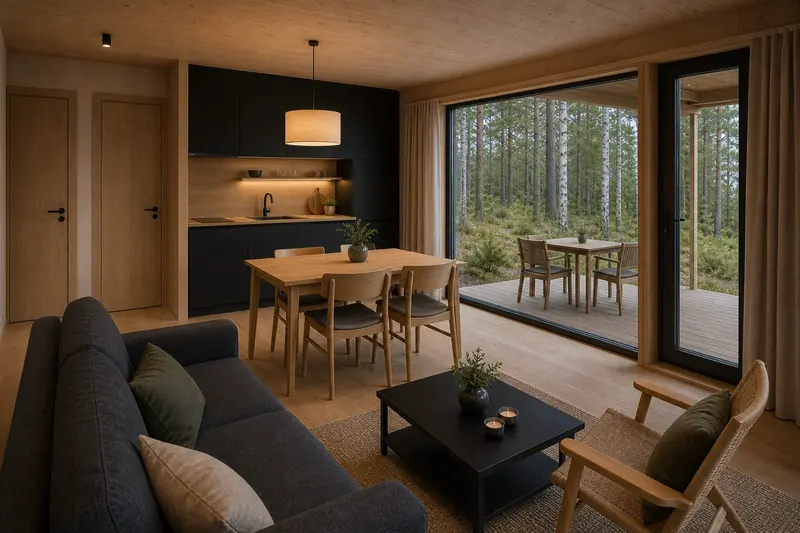
A weekend in a cabin
Guests choose dates and accommodation, add the services they need and review the order before submitting it.
A calendar, enquiries and payments for cabins, rooms, saunas and other services. See how a guest chooses accommodation and puts an order together.
You can accept enquiries only. Guests choose accommodation and services, and you agree the details with them. Enable direct booking separately.
Try bookingThe demo opens in a new tab.
Choose dates, build your order and see the total.
Self-guided demo, no registration required. Opens in a new tab.
Calendar and an overview of managing bookings and payments.

Guests choose dates and accommodation, add the services they need and review the order before submitting it.
A cabin, a boat outing and breakfast in one booking. Guests see their selected services and the total price.
Try booking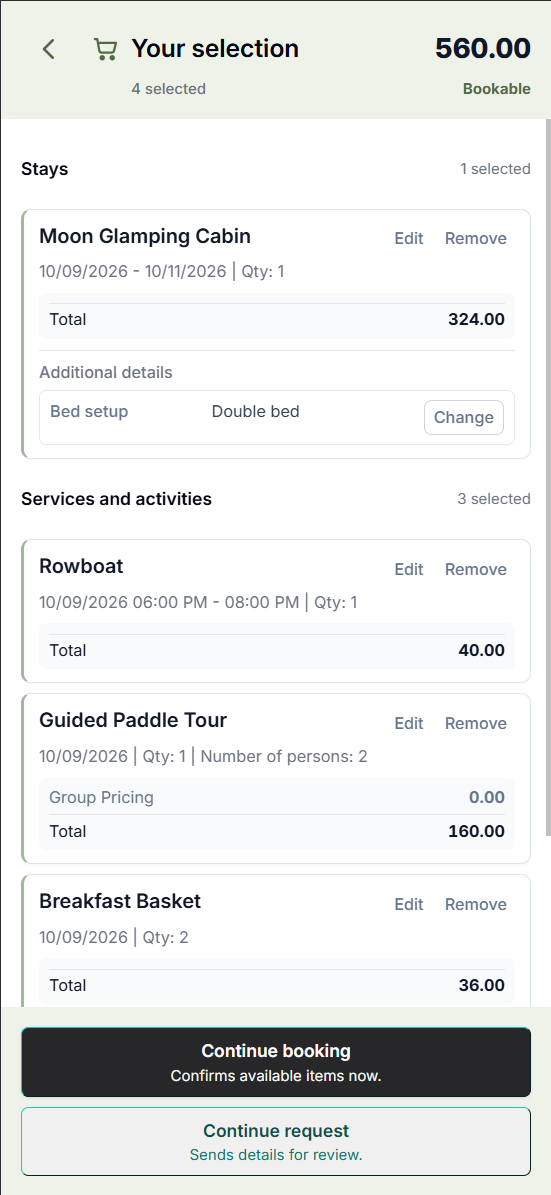
Accommodation by the day, saunas by the hour, equipment and extras — in one booking process.
Guests choose dates and accommodation, add the services they need and review the order before submitting it.
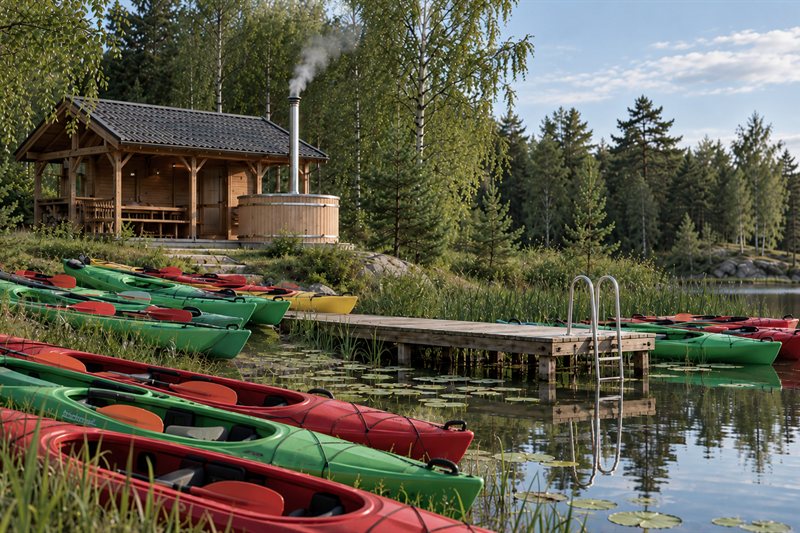
Guests choose the route, date, time and number of kayaks. Equipment hire can be booked separately or added to a stay.
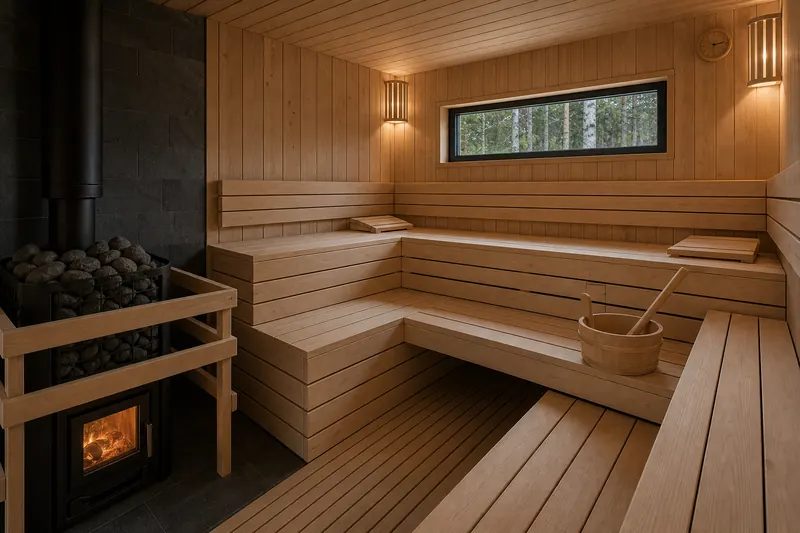
An hourly resource with its own times and price. It can be a separate order or part of a stay.
Availability in the calendar. Order details, guest contacts, status and payments in the booking.
Choose a period and see availability for the properties and services you need.
Multiple resources, the guest and all details stay in one booking.
Work with the status, payments and outstanding balance.
A straightforward order can be booked online. For groups or special requirements, start with an enquiry and an offer from the owner.
Published options, dates, quantities and prices help guests build an order and proceed to booking.
Open the demoThe guest sends an enquiry. You clarify the terms and prepare a suitable order.
How enquiries workSee how to organise bookings for extra services, spaces and equipment — independently or alongside your PMS.
Options for larger properties
The free plan helps you explore the workflow with a small set of properties and services.
Choose your first properties or services.
Add prices, available times and rules.
See both the guest experience and the owner's work.
Yes. Open the FormiBook demo: choose dates, accommodation and extra services, build an order and see the total. You can follow the full process through to making a booking.
You can organise bookings for additional resources and services. For a larger property, start by discussing your workflow. Explore corporate options →
Online payments are available after connecting a supported payment service and configuring your account. Guest payment records are separate from payments for your FormiBook plan.
Take bookings, set prices and availability, manage orders and track payments — all in FormiBook, without separate software. For accommodation, spaces, rentals and additional services.
How FormiBook works
See free dates and times, check orders and payments.
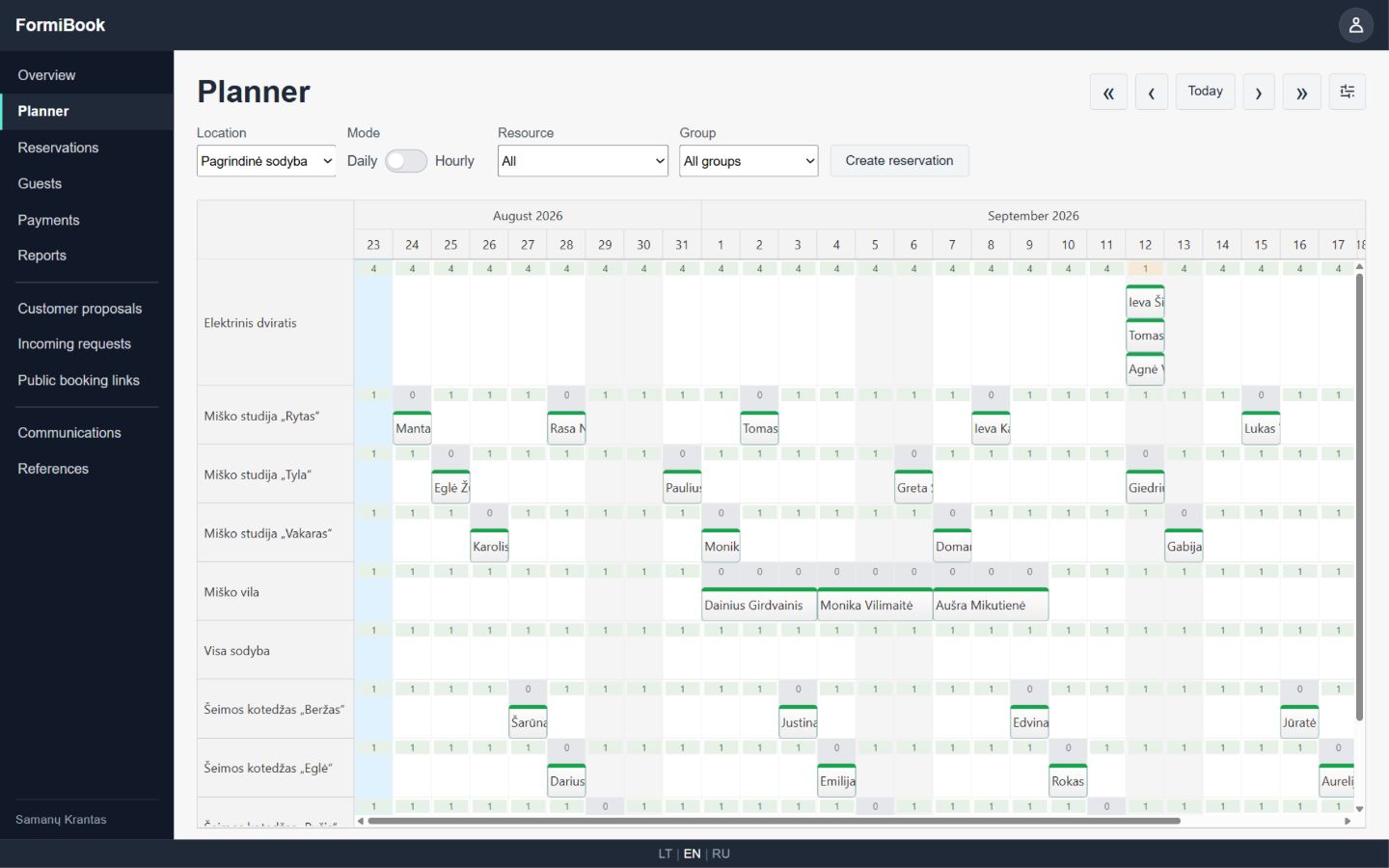
Check availability for your properties and services on the dates and times you need.
Guest contact details and booking information are kept in the order.
See how much the guest has paid and how much is still due.
Guests can book a cabin, a boat trip and breakfast together.
You set prices and available times; guests choose a suitable option and place an order.
Receive an enquiry, clarify the guest’s wishes and prepare an offer.
See how guests choose accommodation and services and place an order.
Let’s discuss how to organise service bookings for your business. You can use FormiBook on its own or alongside your hotel system.
Use the free plan for day-to-day work while its features meet your business needs. You can choose a paid plan if your business needs more features.
You can complete the basic setup yourself in an evening. If you have questions or need a more complex setup, contact us — we’ll help you work it out.
Yes. Add orders received by phone or message and manage them in FormiBook.
Yes, on the paid Standard and Business plans.
Started a conversation in messages?
Continue with a link to the order
Prepare a selection in FormiBook and send the guest a link through your usual channel. They can open the basket and adjust their choices.
Before an order is submitted, FormiBook checks current prices, availability and rules again.
“Two nights, a family cabin and a sauna on Saturday.”
Dates, resources and extras in FormiBook.
The guest continues with a prepared basket.