
Different resources, one model
Manage hourly, daily and one-time items, quantities and multiple locations.
One connected workspace
Locations, resources, the Planner, guests, pricing, bookings and payments work as one connected process.
Daily operations
Each part continues the previous one, from resource setup and availability to saved pricing, status and payment.
Manage hourly, daily and one-time items, quantities and multiple locations.
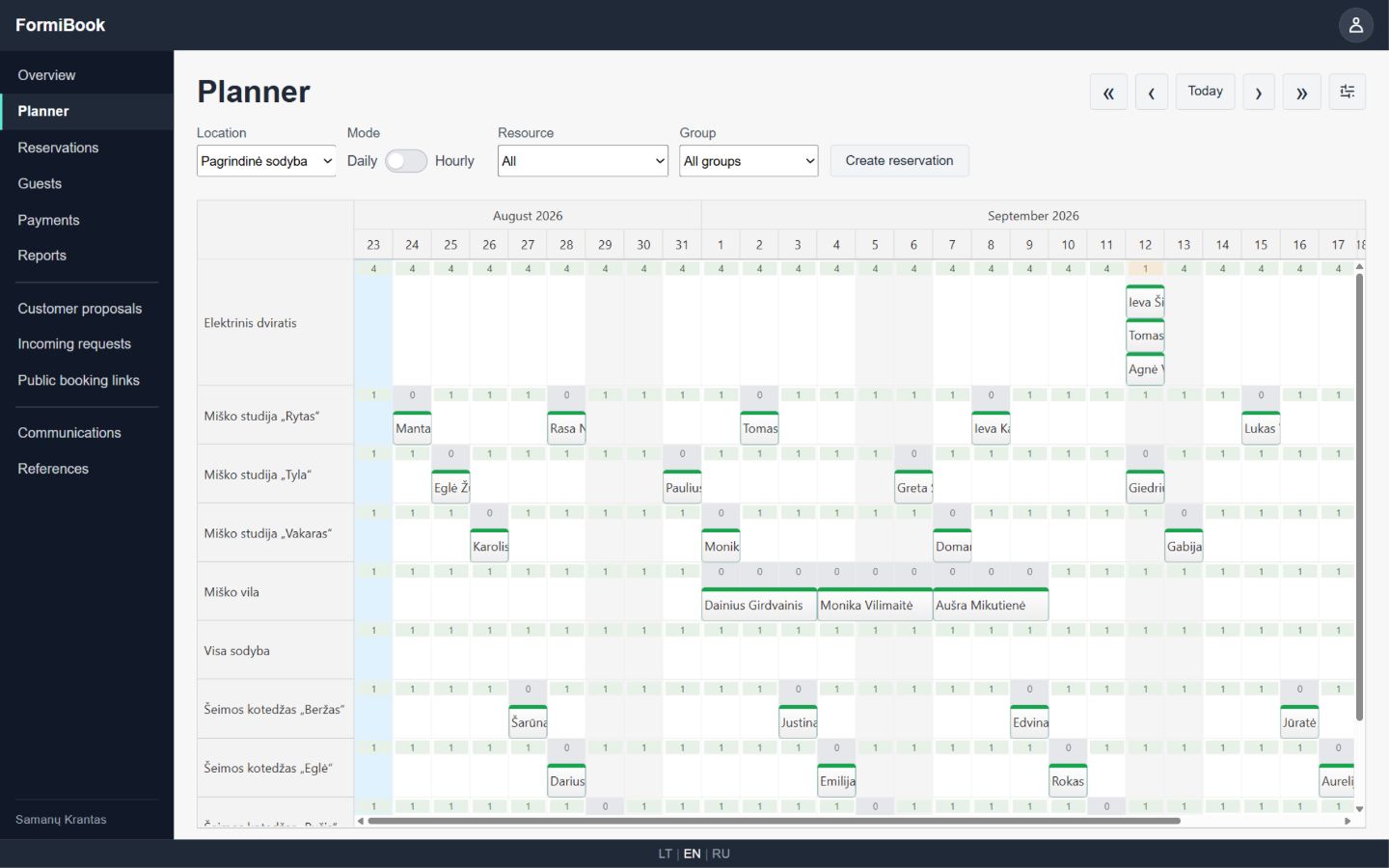
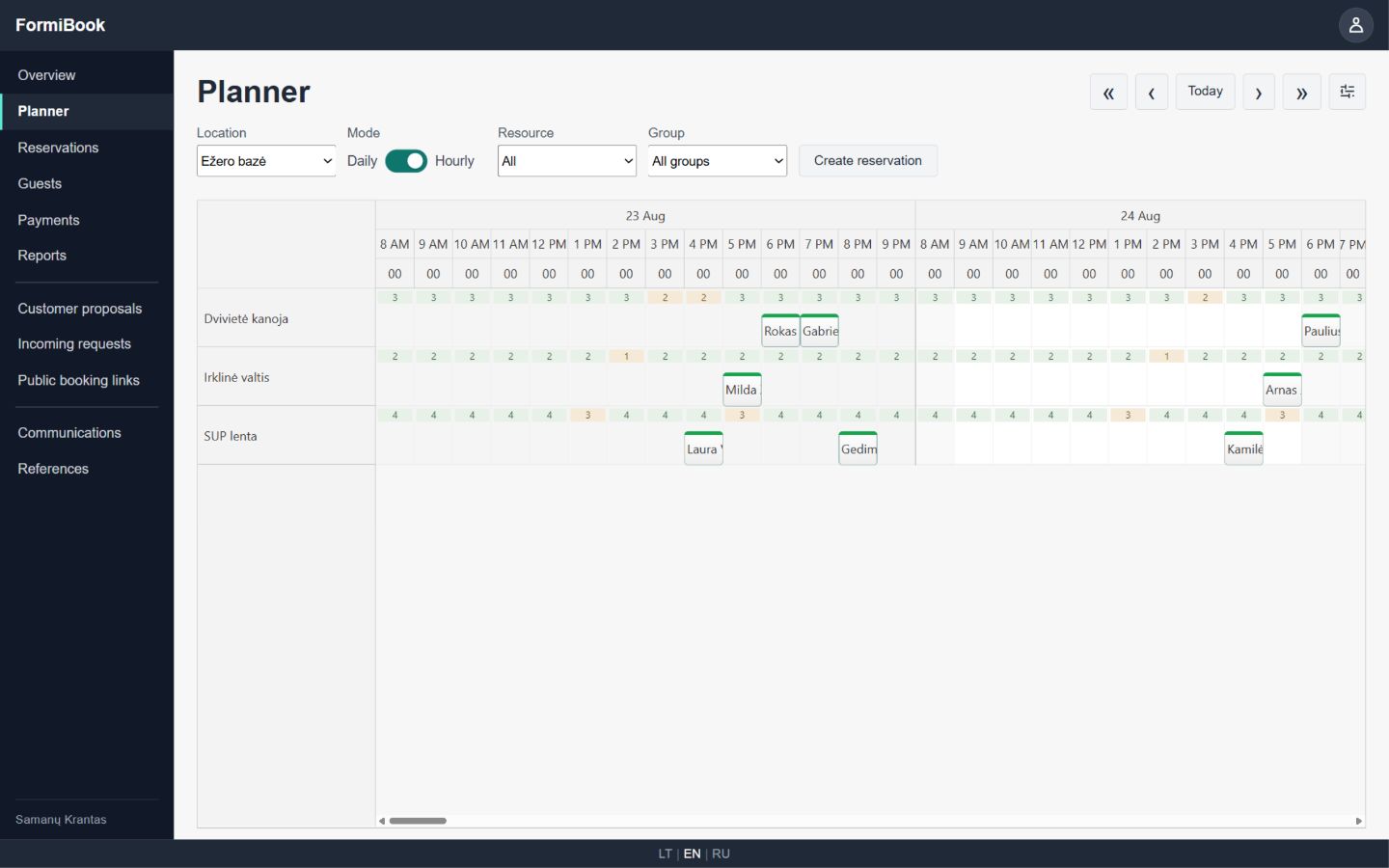
See existing bookings and create a new one in the context of a selected period and location.
Set base and special prices, quantities and paid extras. A saved booking keeps its own price snapshot.
Keep guest contacts, history, order contents and current status together.
Record payments, refunds and corrections and see the amount still due for each booking.
Turn an incoming customer need into a proposal, and an accepted proposal into a booking.
The system at work
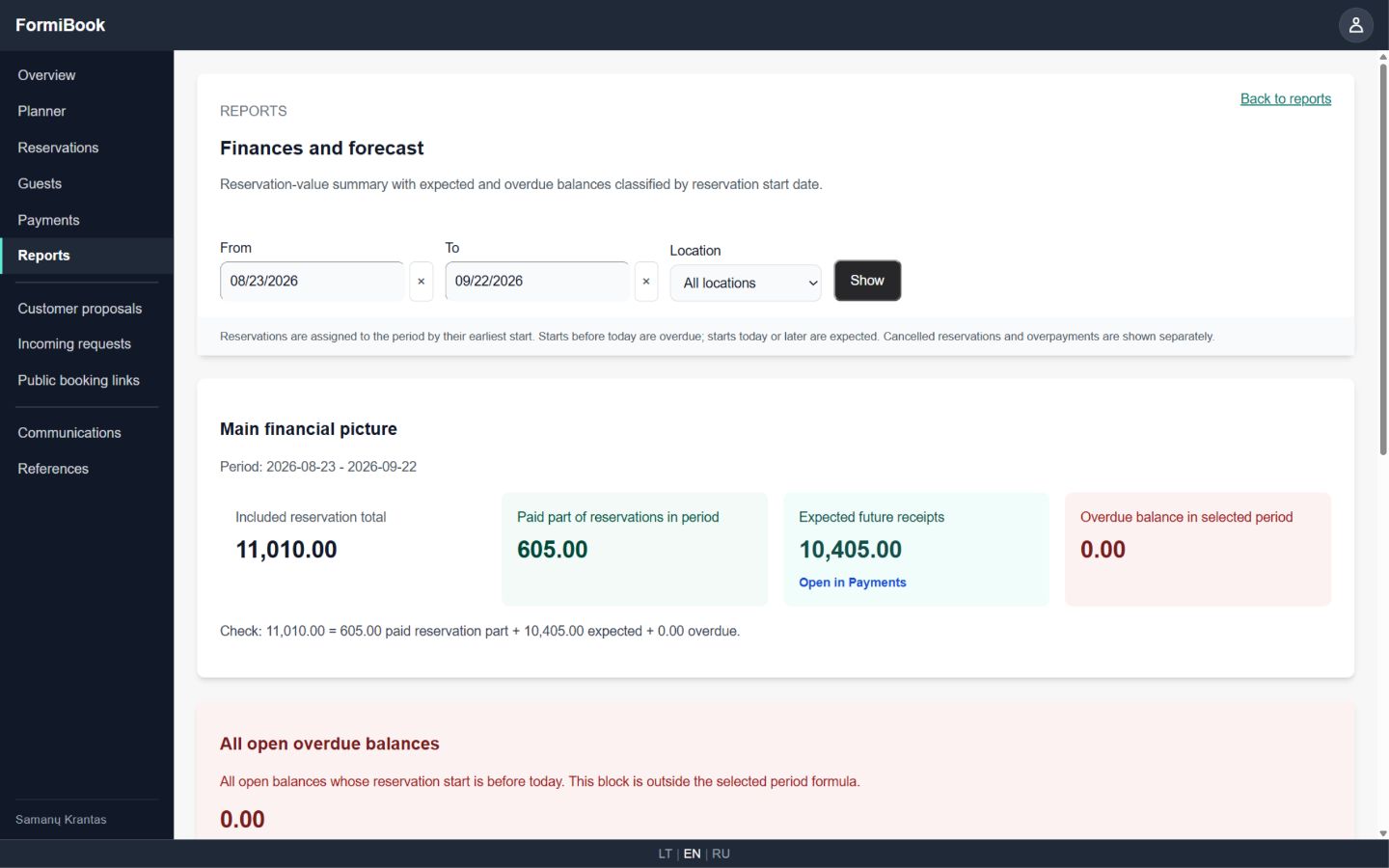
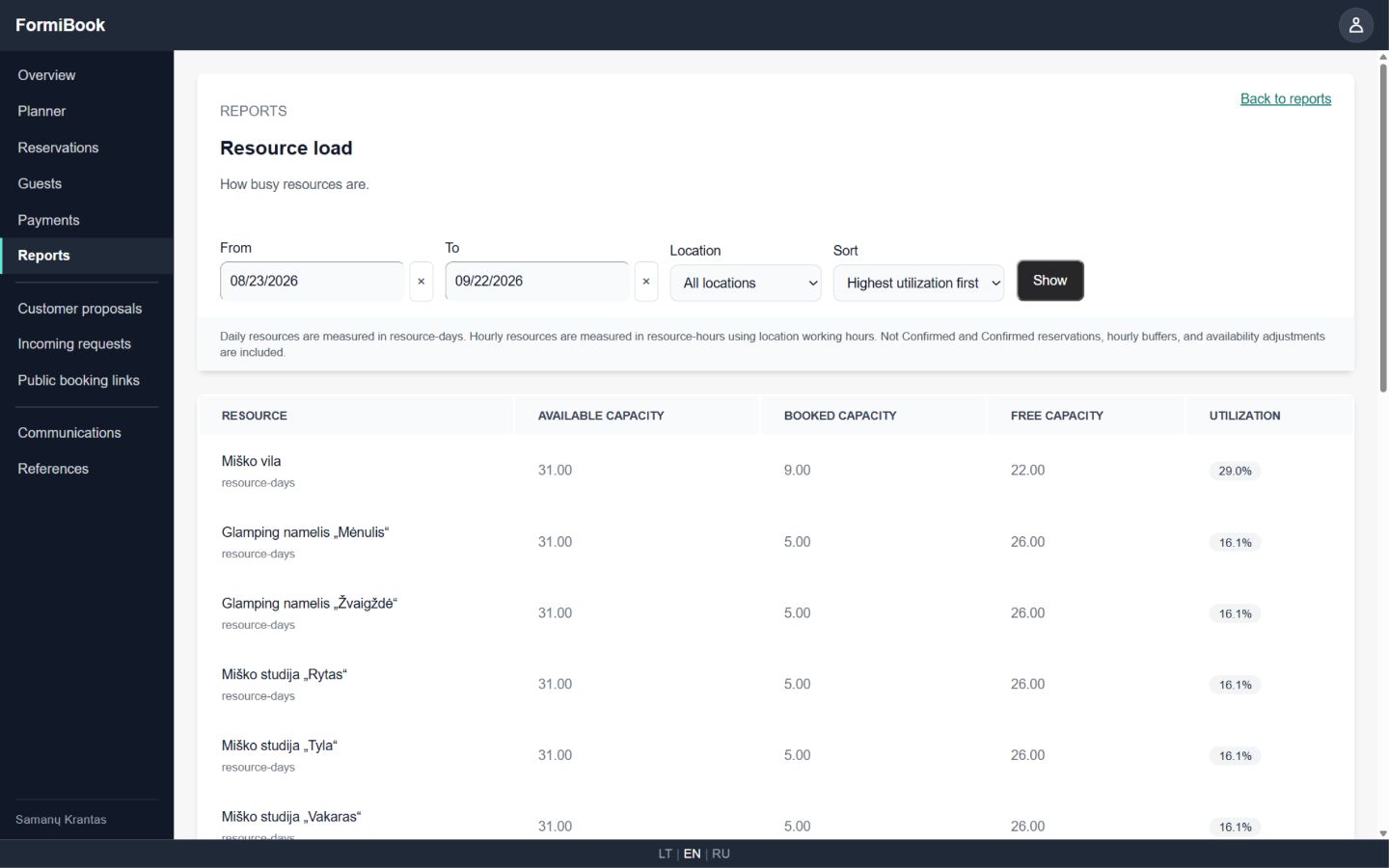
Each screen answers a practical daily question: what is occupied, how time is allocated, what revenue is expected and how efficiently resources are used.
One data model
Availability, pricing, customer details and booking status do not live in separate files. This reduces manual checks and repeated data entry.
01
What can be booked, when and in what quantity.
02
Selected items, dates, price and order status.
03
Contact details and interaction history.
04
Money received, refunds and remaining balance.
Available features and limits depend on the plan and configuration of each account.
The public journey uses the same resource, availability and pricing model as the team's internal work.